

Veo 3.1 Lite: The Cheapest Way to Make Veo 3.1 Videos With Audio
Veo 3.1 Lite is Google's lightweight Veo 3.1 model: 8-second text-to-video clips with native audio in 720p, 1080p or 4K. See what it can do, how it compares to Veo 3.1 Fast and Quality, what it costs, and how to try it online.
Veo 3.1 is one of the best-known AI video models, but the Fast and Quality versions are not cheap to run many times. Veo 3.1 Lite is the lighter version of the same family. You write a prompt, and you get an 8-second clip with sound, for less than Veo 3.1 Fast.
Veo 3.1 Lite is now live on Grok Imagine. This post covers what it does, where it fits next to the other Veo 3.1 models, and how to get good results from it.
What Veo 3.1 Lite Does
| Veo 3.1 Lite | |
|---|---|
| Input | Text prompt (text-to-video only) |
| Length | 8 seconds per clip |
| Resolution | 720p, 1080p or 4K |
| Aspect ratio | 16:9 (landscape) or 9:16 (portrait) |
| Audio | Generated with the video (sound effects, ambience, speech) |
| Price on Grok Imagine | 20 credits (720p / 1080p), 48 credits (4K) |
Two things to know before you start:
- It is text-to-video only. Veo 3.1 Lite does not accept a start frame or reference images. To animate an image, use Veo 3.1 Fast instead, which supports first frame, first + last frame and reference images.
- Every clip is 8 seconds. There is no duration setting. Plan your prompt as one shot or one short beat of action.
Veo 3.1 Lite vs. Veo 3.1 Fast vs. Veo 3.1 Quality
All three are on Grok Imagine, so you can pick per job.
| Veo 3.1 Lite | Veo 3.1 Fast | Veo 3.1 Quality | |
|---|---|---|---|
| Best for | Drafts, social clips, many variations | Most production work | Final hero shots |
| Text-to-video | ✅ | ✅ | ✅ |
| Image-to-video | ❌ | ✅ | ✅ |
| Durations | 8s | 4s, 6s, 8s | 4s, 6s, 8s |
| 720p price | 20 credits | 25 credits | 105 credits |
A good workflow is to explore ideas with Lite, then re-run the prompt that works on Fast or Quality when you need image input or the highest detail.
What We Saw in Our Test
We ran this prompt at 720p, 16:9:
A barista pours latte art in a sunlit cafe, steam rising, close-up, shallow depth of field, the hiss of the milk steamer and soft chatter
The clip came back in about 70 seconds. The milk pour, the steam and the background bokeh were clean, the camera stayed steady, and the audio matched the scene. Simple, single-subject shots like this are where Lite does best.
Prompt Tips for Veo 3.1 Lite
- Describe one shot. Eight seconds is one camera move or one action. "Close-up of hands pouring latte art, slow push-in" works better than a three-scene story.
- Write the sound you want. Veo 3.1 Lite generates audio from your prompt. Add the sounds at the end: "rain on the window, distant thunder", "crowd cheering", "a woman says: welcome back".
- Name the camera. "Low-angle tracking shot", "handheld", "slow dolly-in", "drone shot rising over the ridge" give the model a clear direction.
- Pick the aspect ratio first. Choose 9:16 for Reels, Shorts and TikTok, and 16:9 for YouTube and websites. Veo composes the shot for the frame you choose.
- Use 4K only for the final pick. 720p and 1080p cost the same, so 1080p is a free upgrade for drafts. Save 4K for the clip you will publish.
For more prompt structure, see The Complete Prompt Guide for AI Image and Video Generation.
How to Use Veo 3.1 Lite on Grok Imagine
- Open the AI video generator. Veo 3.1 Lite is preselected from this link.
- Write your prompt, including the sound you want.
- Choose 16:9 or 9:16 and a resolution.
- Click Generate. Your clip shows up in your history when it is ready.
Veo 3.1 Lite is available on any paid plan or credit pack. See pricing for the current plans.
FAQ
Is Veo 3.1 Lite free? Veo 3.1 Lite uses credits: 20 per 8-second clip at 720p or 1080p, and 48 at 4K. It is available with any paid plan or credit pack.
Can Veo 3.1 Lite turn an image into a video? No. Veo 3.1 Lite only supports text-to-video. For image-to-video, use Veo 3.1 Fast or Veo 3.1 Quality.
Does Veo 3.1 Lite generate sound? Yes. Every clip includes audio generated from your prompt.
How long are Veo 3.1 Lite videos? Each clip is 8 seconds.
More Posts
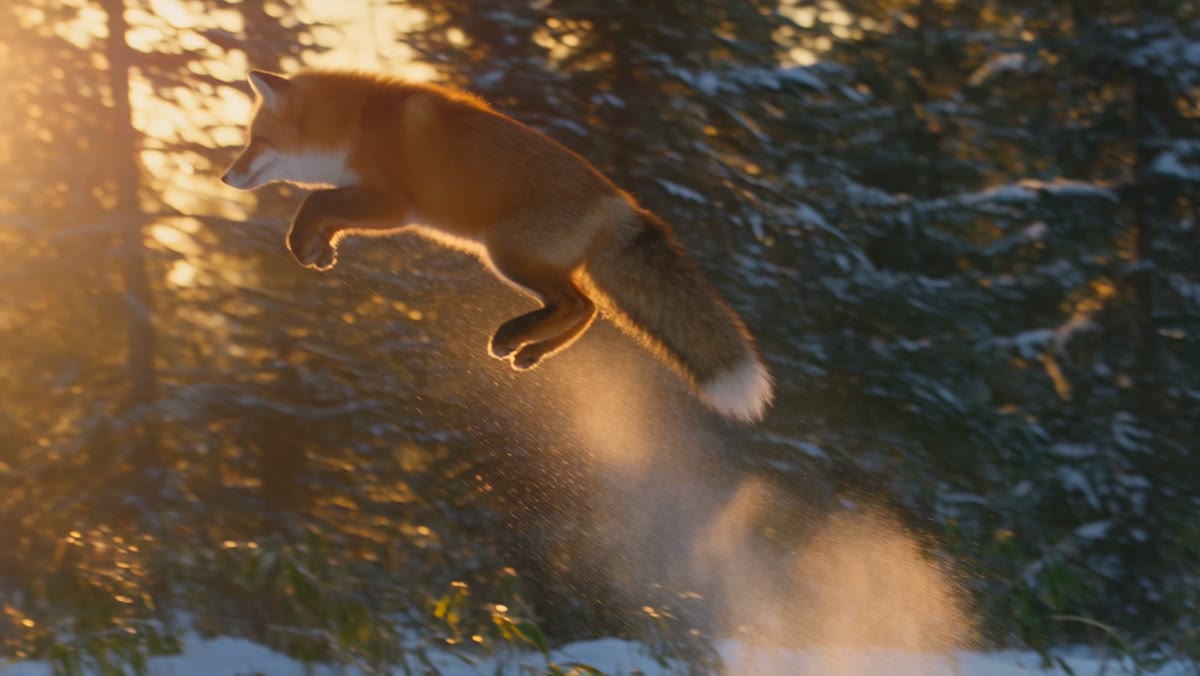
Seedance 2.5 Flash: Up to 30-Second AI Videos With Audio, Now Online
Seedance 2.5 Flash is ByteDance's fast Seedance 2.5 video model: text-to-video, first and last frame control and up to 10 reference images, with clips up to 30 seconds and built-in audio. Features, pricing, prompt tips and how to try it.


The Complete Prompt Guide for AI Image and Video Generation
Learn how to write effective prompts for AI image and video generation. Covers prompt structure, best practices, common mistakes, and ready-to-use examples for text-to-image, image-to-image, text-to-video, and image-to-video workflows.
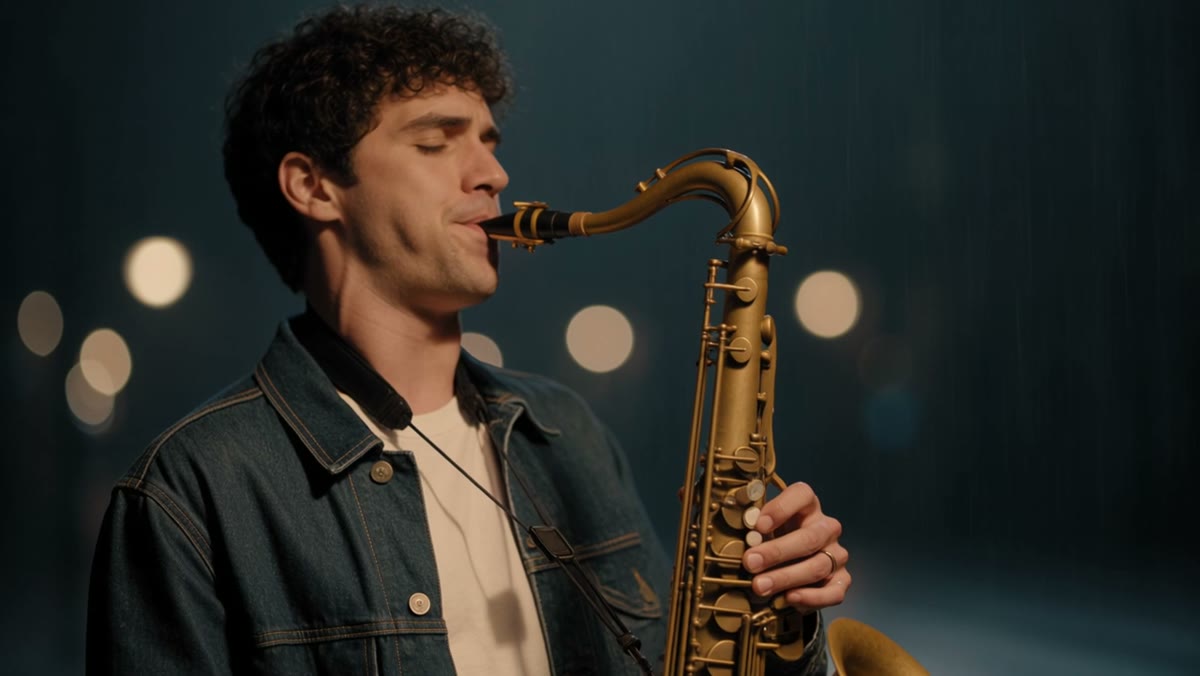
Kling 4.0: 30-Second AI Videos With Stereo Sound and 10 Reference Images
Kling 4.0 generates 3 to 30-second videos in 720p or 1080p with stereo audio built in. It supports text-to-video, first and last frame control and up to 10 reference images. Features, pricing, prompt tips and how to use Kling 4.0 online.